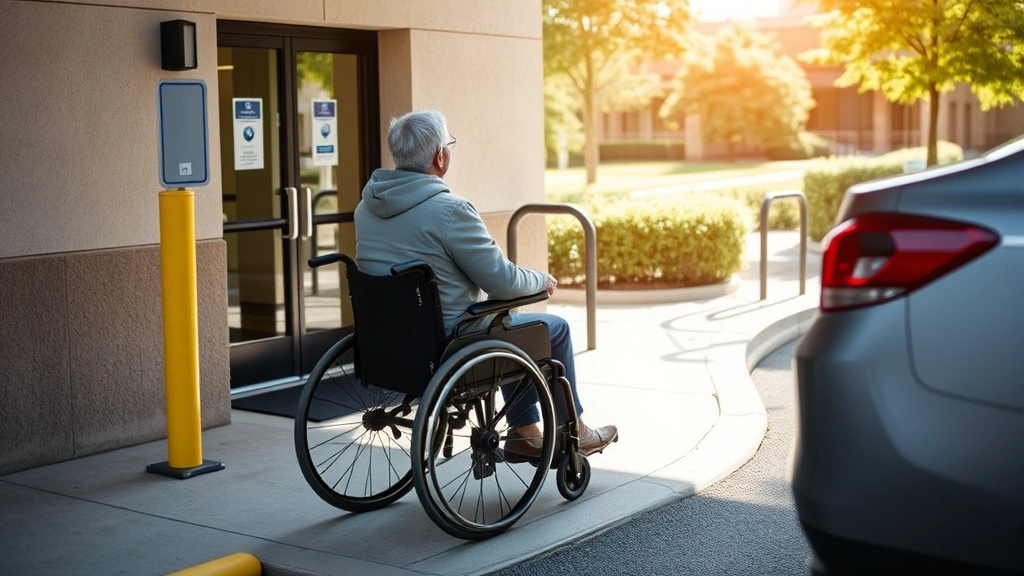

Medical Disability Documentation: Online Access Guide
Accessing your medical disability documentation online has become essential in today’s digital healthcare landscape. Whether you need proof of disability for workplace accommodations, housing modifications, educational support, or legal proceedings, understanding how to obtain and manage your medical records digitally can streamline the process significantly. This comprehensive guide walks you through the platforms, steps, and best practices for accessing your disability documentation securely and efficiently.
Medical disability documentation serves as the foundation for requesting accommodations across multiple life domains. From workplace accommodation letters to housing accommodation requests, having your records readily available online ensures you can respond quickly to accommodation requests and maintain compliance with legal requirements. The shift toward digital access means you’re no longer dependent on mailed documents or in-person visits to obtain critical proof of your medical condition.
Understanding Medical Disability Documentation Online
Medical disability documentation encompasses various records that prove functional limitations and the need for accommodations. This includes diagnostic reports, treatment histories, physician statements, functional capacity evaluations, and specialized letters from healthcare providers. Online access to these documents represents a significant shift from traditional paper-based systems, offering convenience, security, and immediate availability.
The digitization of medical records is governed by the Health Insurance Portability and Accountability Act (HIPAA), which ensures your privacy while allowing you legitimate access to your own health information. Understanding your rights under HIPAA empowers you to request, access, and share your documentation confidently. Most healthcare providers are now required to offer electronic access to patient records through patient portals or other digital platforms.
For accommodation purposes, you may need different types of documentation depending on your situation. A remote work accommodation letter differs from an ESA letter online, and both differ from academic accommodation documentation. Knowing what documentation you need for your specific circumstance ensures you request the correct records from your healthcare provider.
Popular Platforms for Digital Medical Records
Patient Portal Systems represent the most common way to access your medical disability documentation online. Major healthcare systems typically provide secure portals where patients can view test results, visit summaries, medication lists, and clinical notes. Examples include:
- MyChart – Used by Epic EHR systems across hundreds of hospitals and clinics
- Cerner Patient Portal – Accessible through many large hospital networks
- Athenahealth Patient Portal – Common in private practices and smaller healthcare organizations
- VA.gov for Veterans – The Veterans Affairs portal provides comprehensive medical records access
- Medicare.gov – Seniors can access claims and coverage information
Unified Health Information Exchanges allow you to aggregate records from multiple providers in one location. These platforms pull information from various healthcare systems, reducing the need to log into multiple portals. CommonWell Health Alliance and Carequality are major networks supporting this interoperability.
Third-Party Health Record Apps like Google Health, Apple Health, and Amazon Health offer additional options for storing and organizing your medical information. These platforms can aggregate data from multiple sources and provide portable digital copies of your records.
Direct Messaging Platforms enable secure communication with your healthcare providers for requesting specific documentation. Many practices now use secure patient messaging integrated into their portals, allowing you to request accommodation letters or additional documentation directly from your physician’s office.
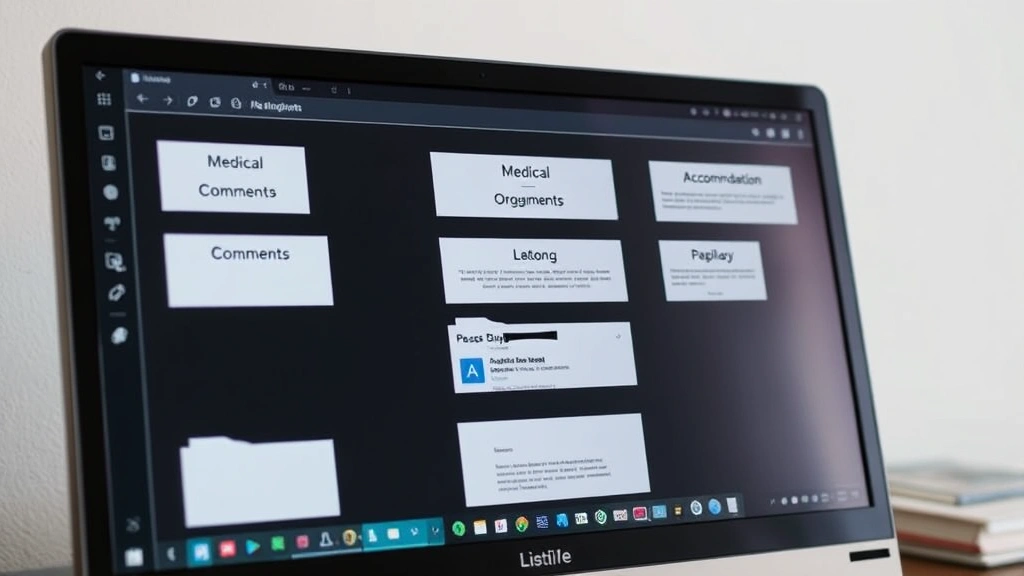
Step-by-Step Access Process
Step 1: Identify Your Healthcare Providers – List all doctors, therapists, and specialists who have treated your disability. Each may have separate portals or record systems. Include your primary care physician, specialists, mental health providers, and any rehabilitation professionals who have documented your condition.
Step 2: Create or Access Your Patient Portal Account – Contact your healthcare provider’s main office and ask about their patient portal. Most practices now provide login credentials automatically or allow you to self-register. You’ll typically need to verify your identity using personal information like date of birth and medical record number.
Step 3: Navigate to Medical Records Section – Once logged in, look for sections labeled “Medical Records,” “Documents,” “Test Results,” or “Visit Summaries.” The layout varies by platform, but these sections typically contain the documentation you need.
Step 4: Download and Organize Your Records – Download relevant documents as PDFs and store them in a dedicated folder on your computer or cloud storage. Create subfolders by provider or by accommodation type (workplace, housing, academic, legal).
Step 5: Request Specific Documentation – If you need a formal accommodation letter that isn’t already available, use the patient messaging feature or contact your provider’s office directly. Specify exactly what you need: a disability confirmation letter for work, a functional limitation statement, or a letter addressing specific accommodations.
Step 6: Verify Document Authenticity – Ensure downloaded documents include your provider’s letterhead, signature, credentials, and contact information. Employers and institutions often require original or certified copies, so understand your specific requirements before relying solely on digital versions.
Security and Privacy Considerations
Protecting your medical disability documentation online requires understanding both platform security and your own responsibilities. Patient portals use encryption, secure login protocols, and access controls to protect your information. However, you must also practice good digital hygiene to prevent unauthorized access.
Best Practices for Security:
- Use strong, unique passwords for each healthcare portal (12+ characters with mixed case, numbers, and symbols)
- Enable two-factor authentication wherever available
- Never share your login credentials, even with family members
- Access portals only through official websites or apps, never through email links
- Use secure networks for accessing sensitive medical information (avoid public WiFi)
- Regularly review account activity and login history
- Log out completely when finished accessing your records
Understanding Your HIPAA Rights: Under HIPAA, you have the right to access, copy, and request amendments to your medical records. You can also request a list of everyone who has accessed your records. Most healthcare providers must respond to access requests within 30 days. Understanding these rights helps you maintain control over your sensitive disability documentation.
When sharing your medical disability documentation with employers, landlords, or educational institutions, consider sharing only the specific information they need. Rather than sending complete medical records, provide focused accommodation letters that address their particular requirements without unnecessary personal health details.
Requesting Specific Accommodation Letters
Different situations require different documentation. Understanding what to request ensures you get the right letter for your purpose.
For Workplace Accommodations: Request a workplace accommodation letter that outlines your functional limitations and recommended accommodations. This letter should be addressed to your employer or HR department and include your provider’s professional credentials. For remote work specifically, a remote work accommodation letter should explain why your disability makes remote work medically necessary or beneficial.
For Housing Accommodations: A housing accommodation letter demonstrates the disability-related need for modifications like accessible parking, ground floor units, or emotional support animals. This letter is typically addressed to your landlord or housing provider and must clearly connect your disability to the requested accommodation.
For Academic Support: Academic accommodation letters should be sent to your school’s disability services office. These letters typically recommend specific accommodations like extended testing time, reduced course load, or attendance flexibility.
For Emotional Support Animals: An ESA letter online from a licensed provider must come from a mental health professional and establish the disability-disability relationship and the necessity of the animal for emotional support. This is distinct from service animal documentation and has specific legal requirements.
When requesting any accommodation letter, provide your healthcare provider with:
- The specific purpose (workplace, housing, academic, legal)
- The recipient organization
- Your functional limitations relevant to the accommodation
- The specific accommodations you’re requesting
- Any deadlines for the letter

Organizing Your Digital Documentation
Effective organization of your medical disability documentation saves time and reduces stress when you need to respond quickly to accommodation requests. Develop a system that works with your workflow and ensures you can locate specific documents immediately.
Cloud Storage Solutions: Use platforms like Google Drive, Dropbox, or OneDrive to maintain secure, accessible copies of your documentation. These services offer version control, allowing you to track document updates, and enable sharing with healthcare providers or legal representatives when needed.
Folder Structure: Create a logical hierarchy such as:
- Medical Disability Documentation (main folder)
- Diagnostic Reports
- Treatment Records
- Accommodation Letters
- Workplace Documentation
- Housing Documentation
- Academic Documentation
- Legal Documentation
Naming Conventions: Use clear file names with dates: “2024-01-15_Accommodation_Letter_Workplace.pdf” rather than “Letter.pdf.” This system makes searching and identifying current versions simple.
Backup Strategy: Maintain at least two copies of critical documents—one in cloud storage and one on an external hard drive. This protects against accidental deletion or service outages.
Regular Updates: Schedule quarterly reviews of your documentation. Remove outdated letters, add new diagnoses or treatments, and ensure your most current information is easily accessible. Medical disability documentation should reflect your current functional status.
Sharing and Access Control: Many cloud platforms allow you to control who can view specific folders. You might grant your employer access to only your workplace accommodation folder while keeping housing documentation separate. This compartmentalization protects your privacy while ensuring necessary parties have required information.
FAQ
How long does it take to access my medical records online?
Most patient portals provide immediate access to records already in the system. However, if you’re requesting records for the first time or need a new accommodation letter, allow 5-10 business days for your healthcare provider to process the request. HIPAA allows providers up to 30 days, but most respond more quickly.
Can I request accommodation letters online?
Yes, most healthcare providers accept requests through secure patient messaging in their portals. Simply message your provider’s office with the specific letter you need and its purpose. Some providers may require a phone call or in-person visit to discuss your accommodation needs before providing a letter.
What if my healthcare provider doesn’t have a patient portal?
Contact your provider’s office and request electronic access. If they don’t offer a portal, ask about alternative digital options like secure email or fax. You can also request physical copies of your records and scan them yourself for digital storage.
Is it legal to share medical disability documentation with my employer?
Yes, you can voluntarily share accommodation letters with your employer. However, you should only share documentation specifically related to your workplace accommodation needs. Full medical records aren’t necessary and may overshare sensitive information. An accommodation letter is the appropriate document for employer sharing.
How often should I update my medical disability documentation?
Update your documentation whenever your condition, treatment, or functional limitations change significantly. At minimum, review your accommodation letters annually and refresh them every 1-2 years. Some employers or institutions may request updated documentation on specific timelines.
Can I access records from providers who have retired or closed their practice?
Yes, but it requires more effort. Contact the provider’s former office or their successor practice. By law, providers must maintain records for specified periods and make them available upon request. You may need to pay a copying fee for physical records, though digital access is increasingly free.
What should I do if I find errors in my online medical records?
Contact your healthcare provider immediately and request an amendment. Providers must investigate your request and either correct the error or document your disagreement. This process typically takes 30-60 days. Ensure your accommodation documentation reflects accurate information before sharing it with employers or institutions.
Are there disability-specific platforms for organizing medical documentation?
Several apps cater specifically to people with disabilities, including MyChart extensions, specialized patient advocacy platforms, and disability-focused health management apps. Research options that integrate with your existing healthcare providers and meet your organizational needs.
Accessing your medical disability documentation online empowers you to manage your accommodations efficiently and respond promptly to requests from employers, educational institutions, housing providers, and legal representatives. By understanding available platforms, securing your information properly, and maintaining organized digital records, you ensure that critical documentation is always available when you need it. Take control of your health information today and build a system that supports your accommodation needs across all areas of your life.
For additional resources on accommodation rights, visit the EEOC’s guidance on workplace accommodations, the HUD’s fair housing information, the Job Accommodation Network (JAN), and the ADA.gov official resource center. These authoritative sources provide comprehensive information about your rights and responsibilities regarding disability documentation and accommodations.